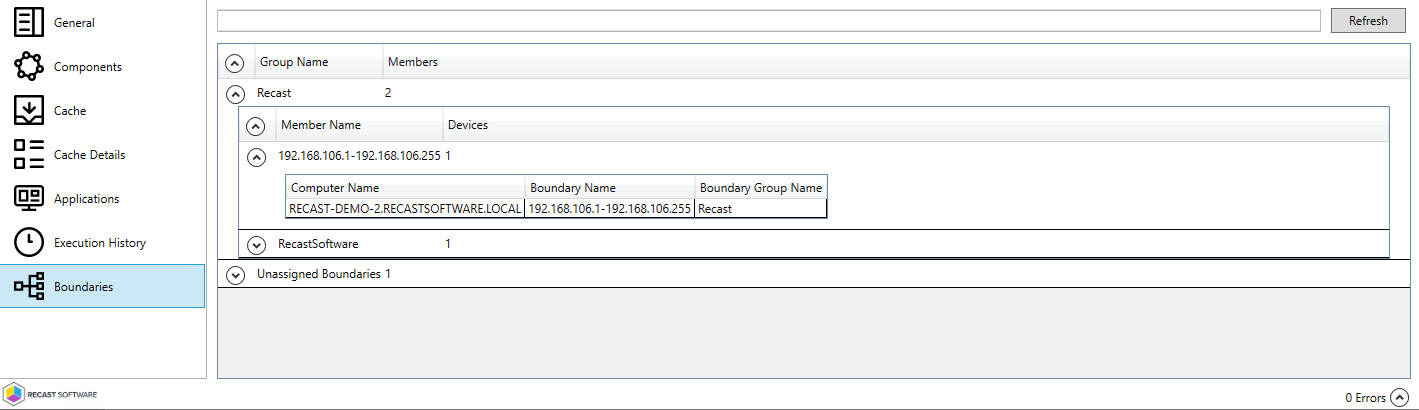
The Client Information tool provides information and available actions for the ConfigMgr client. This tool completes the lookup of this data via Remote WMI, Remote SMB, Remote Registry, and Filesystem.
To run Client Information tools, right-click on a device and navigate to Right Click Tools > Client Tools > Client Information.
For a video short, see Client Information Tool on our YouTube channel.
Looking to learn more about typical Client Information scenarios?
Enroll in our Recast Academy course on Device Management!
Recast Permissions
| Plugin | Permissions |
|---|---|
| ConfigMgrClient | ChangeCacheSize ClearCache ClientInformation RemoveItemsFromCache |
| ConfigMgrServer | GetDistributedSoftwareUpdates |
Microsoft Permissions
For Change Cache Size:
- This action requires Administrator permissions on the remote device.
- If a Recast Server is being used with a Service Account, that account also needs admin permission on the remote device.
- This action requires Remote WMI access.
The Clear Cache action also requires access to connect to the C$ share.
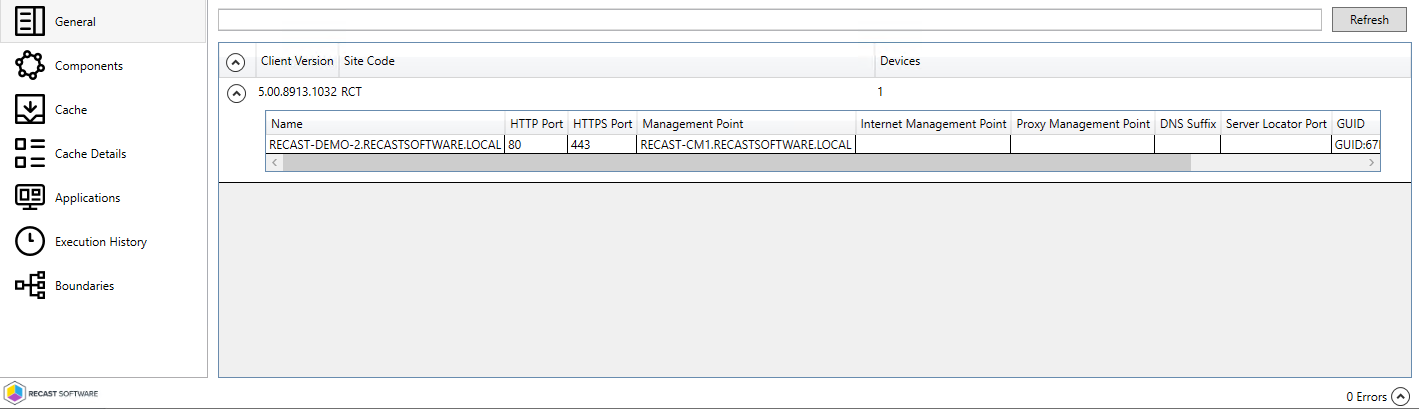
The Client Information - General tab displays client details including Client Version, Site Code, HTTP/HTTPS Ports, Management Point, Internet Management Point, Proxy Management Point, DNS, Server Locator Port, and GUID.
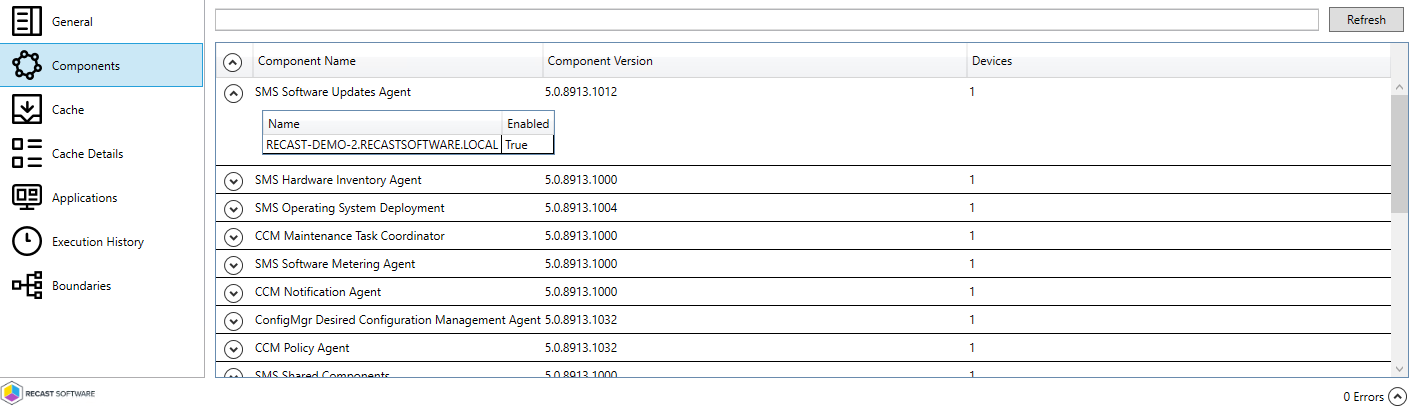
The Client Information - Components tab displays details associated with components, including their version, and whether or not they are enabled.
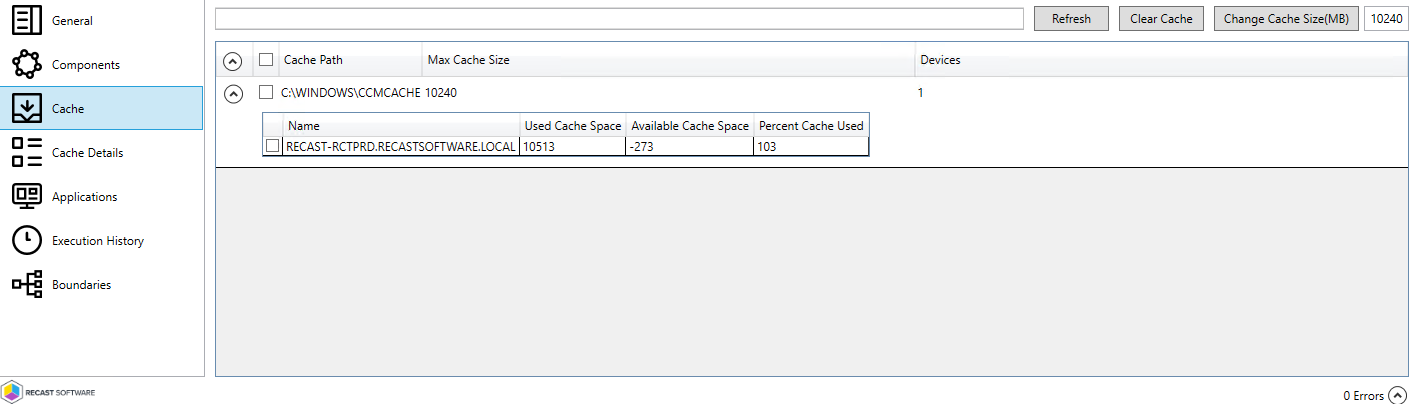
The Client Information - Cache tab shows general information about the cache, such as Path, Size, and Used Space.
Clicking on the cache select box allows you to clear the cache or change the cache size.
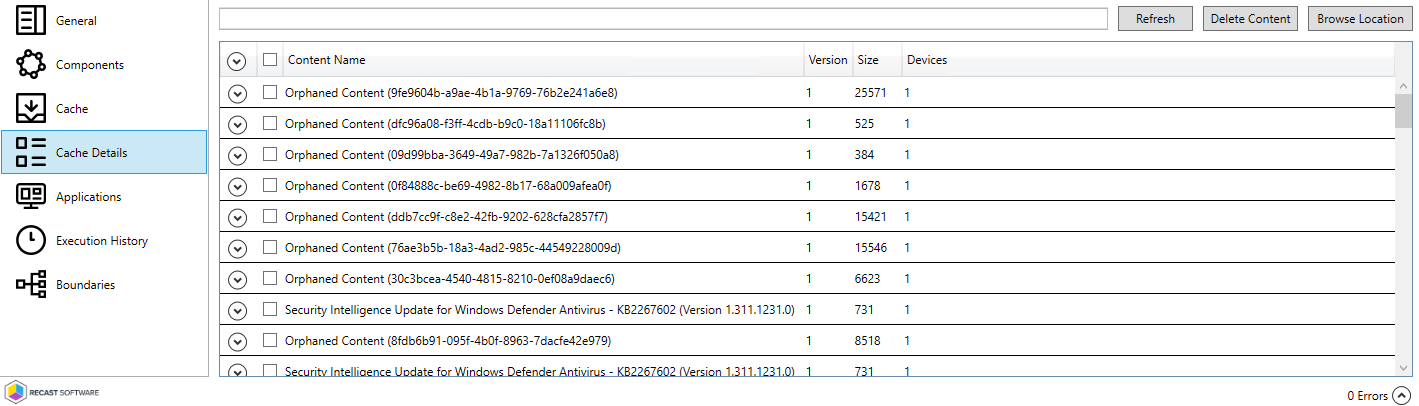
The Client Information - Cache Details tab shows the content that currently exists in the cache. The table displays the content name (or Orphaned Content, if the original no longer exists in ConfigMgr).
Selecting an item in the cache lets you delete the content or browse to the content location.
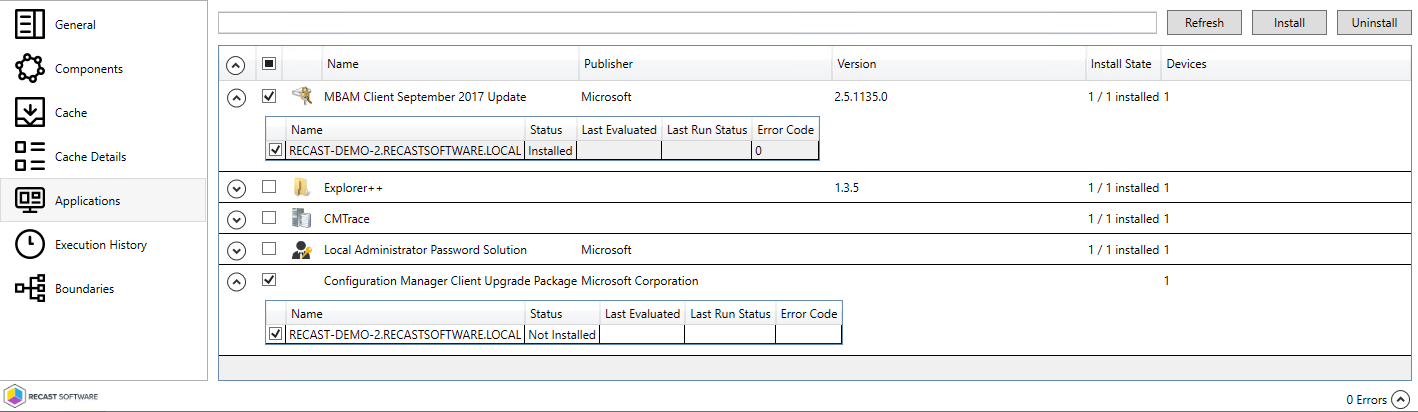
The Client Information - Applications tab displays applications installed on the client. The table includes details such as the Publisher, Install State, Status, Version, and Last Evaluation Date/Time.
Clicking on an application reveals the button to Install or Uninstall applications.
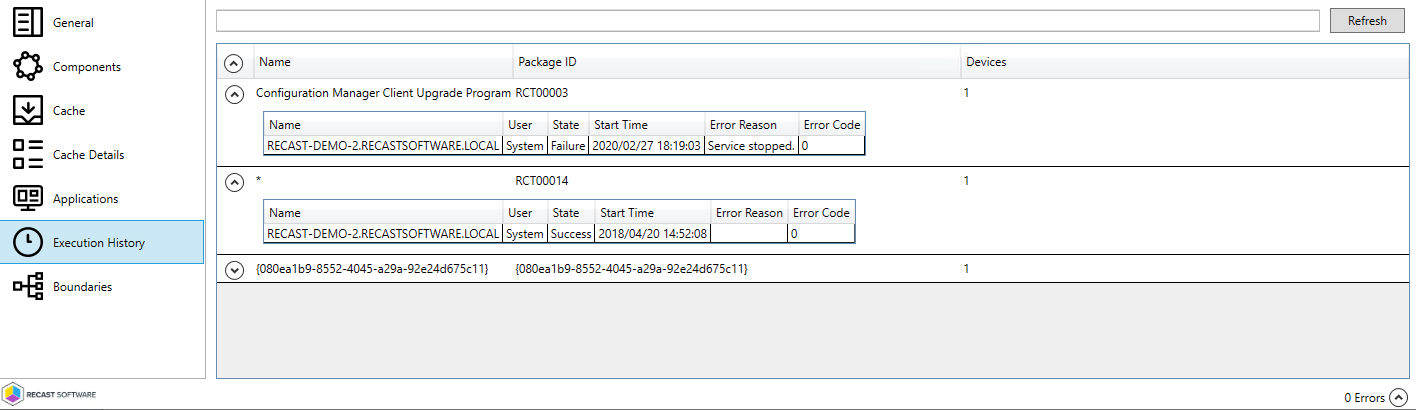
The Client Information - Execution History tab shows past program, package, and task sequence executions with relevant data. The table includes the Name, User, State, PackageID, Start Date/Time, Error Reason, and Error Codes.
The Client Information - Boundaries tab shows information about boundaries and boundary groups, including the boundary group to which the client is assigned, along with the associated site system servers and distribution points. This tab also displays the current client IP address and subnet mask.